 EN
EN
 ES
ES




Screen Printing: What It Is, How It Works, and When to Choose It for Corporate Merchandise
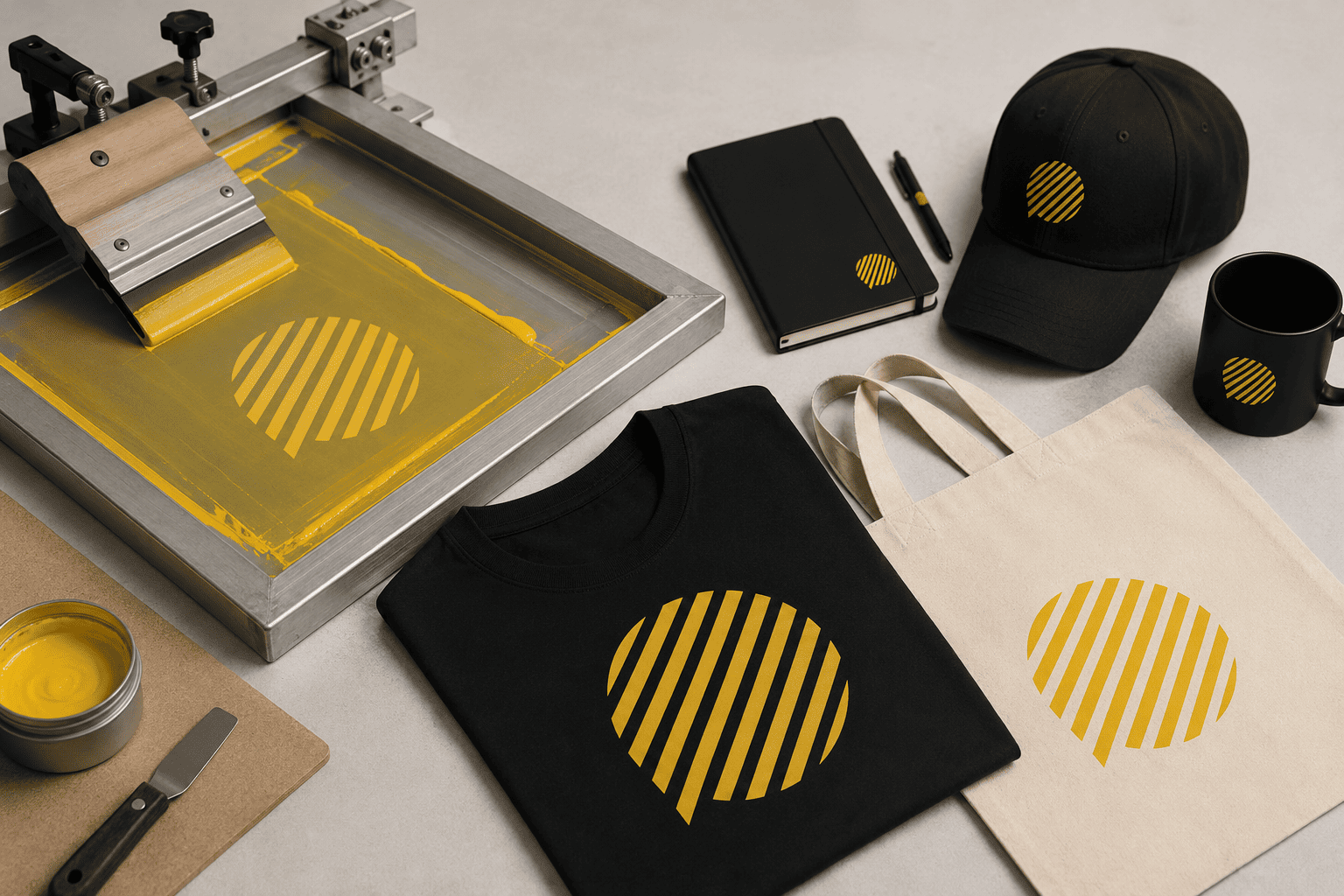
When a company decides to personalize t-shirts, bags, mugs, or any promotional item, the first question is almost never the design — it's which printing technique to use. And that's not a minor detail. The technique you choose determines the finish, the durability, the cost per unit, and even the delivery time. At Gurupro, screen printing remains one of the most requested options among our B2B clients, and in this article we explain why, how it works, and when it's really the best choice —and when it isn't.
What is screen printing
Screen printing is a printing technique that transfers ink onto a surface through a tensioned mesh screen, with the areas that shouldn't be printed previously blocked out. Each color in the design requires a separate screen, so the more colors a logo has, the more steps and preparation time the process needs.
It's one of the oldest personalization techniques still used in advertising and promotional merchandise today, and it remains relevant for a simple reason: for medium and large runs, no other method offers that combination of low cost, high durability, and solid color.
How the process works, step by step
- Artwork preparation: the design is separated by color (one screen per color).
- Screen creation: a photosensitive emulsion is applied to the mesh and exposed to light to "burn" the design onto it.
- Printing: the garment or product is placed under the screen and ink is pulled across it with a squeegee.
- Drying/curing: the ink is air-dried or heat-cured, depending on the ink type and material.
- Repeat per color: the process is repeated with a different screen for each additional color.
This last point is key to understanding the cost: a single-color design is much cheaper and faster than a four- or five-color one, because each color multiplies the preparation time (though not so much the printing time itself, once the machine is set up).
Advantages of screen printing
- Very low cost per unit on large runs: above a certain volume, it's the most economical technique on the market.
- Solid, vibrant colors: ideal for logos with flat colors (corporate, Pantone).
- Great durability: holds up well to repeated washing and everyday use on textiles.
- Versatile across materials: t-shirts, tote bags, caps, aprons, cotton bags…
When it's NOT the best option
Screen printing also has important limitations worth knowing before requesting a quote:
- Very small runs (under 25-50 units): the cost of screen preparation doesn't pay off; digital printing (DTF) or vinyl transfer usually works out cheaper.
- Designs with gradients or photographs: screen printing works well with flat colors, but it doesn't reproduce gradients or photos with the same fidelity as digital printing.
- Small rigid or metal surfaces (pens, USB drives): pad printing or laser engraving usually works better there.
- Premium/technical textiles with delicate finishes: embroidery usually gives a more elegant, longer-lasting result on polo shirts and corporate apparel.
Quick technique comparison
| Technique | Best for | Recommended run size |
|---|---|---|
| Screen printing | Textiles, tote bags, flat-color logos | Medium/large (50+ units) |
| Pad printing | Pens, USB drives, small and irregular items | Any size |
| Embroidery | Polo shirts, caps, premium textiles | Medium/large |
| Laser engraving | Metal, wood, glass, power banks | Any size |
| Digital printing (DTF) | Full-color designs, short runs | Small (from 1 unit) |
Real use cases at Gurupro
In our catalog, screen printing is the default technique for categories such as corporate textile (t-shirts, basic polo shirts, sweatshirts) and tote bags and backpacks, two of the most requested product families for summer campaigns, festivals, and employee welcome packs. It's also common for hospitality aprons and event or trade fair clothing, where hundreds of units with the same design are typically needed.
On the other hand, when a client asks us to personalize pens, USB drives, or metal bottles, we almost always recommend pad printing or laser engraving, since the result is more precise and the cost doesn't depend on such a high minimum run.
"No single technique is better than another in absolute terms — there's a correct technique for every material, design, and order volume."
How to choose the right technique for your next order
Before deciding, it helps to answer three questions:
- How many units do you need? Below 25-50 units, screen printing stops making economic sense.
- How many colors does your logo have? The more colors, the higher the cost in screen printing; in digital printing, the number of colors doesn't raise the price.
- What material will you print on? Flat textiles = screen printing. Small or rigid objects = pad printing or laser engraving.
If you're not sure, Gurupro has spent more than 20 years advising companies on the most suitable technique for their product, budget, and timeline. We never let a client choose blindly: we review every order before production to confirm the technique matches the design and material.
Frequently asked questions
Can screen printing be used on any type of fabric?
How long does a screen-printed order take?
Can I combine screen printing with another technique on the same product?
- 03/08/2026
Share on


